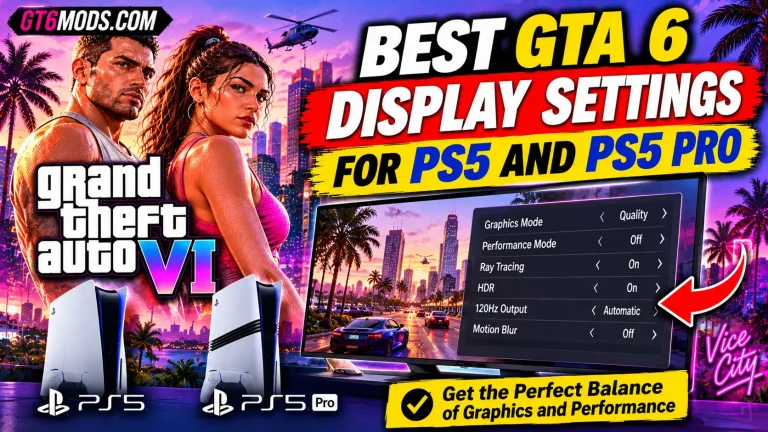
Best GTA 6 Display Settings for PS5 and PS5 Pro
Before launch, set your PS5 to Automatic or 2160p output, turn on HDR (On When Supported) and run Adjust HDR, set VRR to Automatic, and turn on 120 Hz Output if your TV supports it through an HDMI 2.1 port. On the TV, use Game Mode and turn off motion smoothing. The PS5 Pro needs…