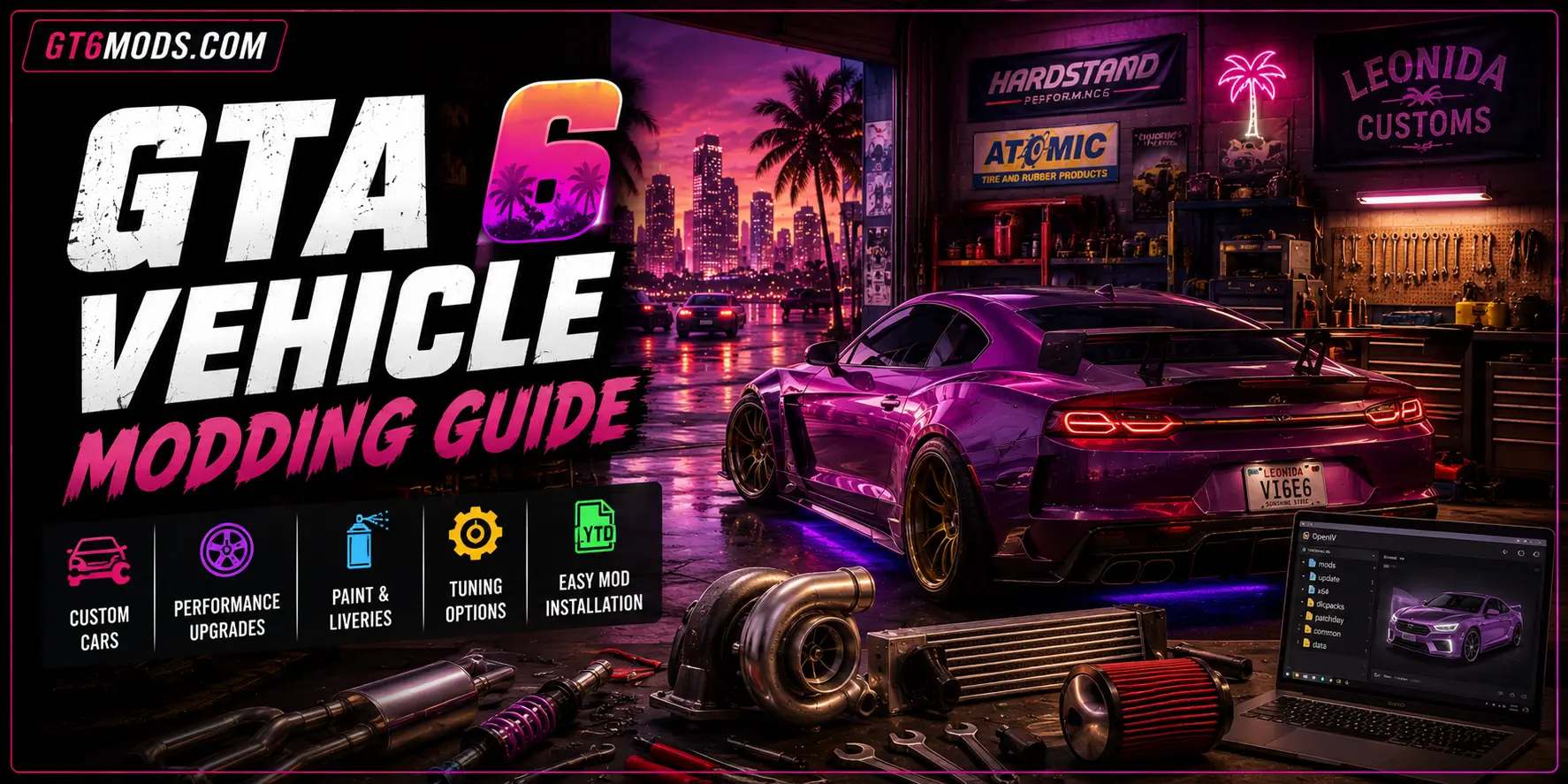
GTA 6 Vehicle Modding Guide — How Car Mods Are Made
If you’ve ever downloaded a Lamborghini mod for GTA 5 and wondered how it actually got there, the answer involves 3D modeling software, half a dozen configuration files, and a tool called OpenIV that lets modders reach inside the game’s archive files and swap things out. The process has been refined over more than a decade, and the reason it matters for GTA 6 car mods is that the entire pipeline, with updates for a new engine, is almost certainly what vehicle modding will look like once GTA 6 reaches PC.
No GTA 6 car mods exist yet. GTA 6 isn’t on PC and there are no modding tools for it. But the people who build vehicle mods for GTA 5 today are the same people who will build them for GTA 6. Understanding how they do it now is the closest thing to a preview of GTA 6 vehicle modding that’s honestly available.
Why GTA 6 Car Mods Will Follow the Same Basic Pipeline
GTA 6 runs on RAGE 9, an updated version of the same engine that’s powered GTA 5 since 2013. The file formats will change. The specific tools will need to be rebuilt. But the fundamental workflow, sourcing or building a 3D model, converting it to the game’s format, configuring its physics and appearance through text-based meta files, and packaging everything into the game’s archive system, follows from how RAGE works at an architectural level rather than from any specific GTA 5 design decision.
If you want the full picture of how GTA 6 car mods relate to the broader modding tool situation, our GTA 6 modding tools guide covers the tool pipeline and realistic timeline in detail.
Step 1: The 3D Model
Every GTA car mod starts with a 3D model. Where that model comes from depends heavily on what the modder is trying to create.
Converting from existing 3D assets. The most common approach for real-world vehicle mods is finding an existing 3D model, often from a racing game like Forza Motorsport or Assetto Corsa, or from a dedicated 3D model marketplace, and converting it to GTA’s format. These source models are usually high quality and already accurately represent the real vehicle. The conversion work is substantial, but it starts from a strong visual foundation.
Building from scratch. Some modders build their vehicle geometry entirely from scratch using Blender, the free, open-source 3D software that’s become the community standard for this kind of work. This is significantly more time-consuming but gives the modder complete control over every polygon and is the approach required for original vehicle designs that don’t exist anywhere as source assets.
The polygon budget reality. GTA 5 vehicles follow Level of Detail (LOD) requirements that determine how detailed a model appears at different distances. A vehicle needs at minimum a high-detail version for close-up rendering and progressively lower-detail versions that load as the camera pulls back. Getting these LOD transitions right is one of the most common technical hurdles in vehicle modding, since a model that looks perfect up close but has a jarringly low-detail version at medium range will feel wrong in the game world regardless of how well everything else is executed.
Step 2: Converting to GTA Format With ZModeler 3
Once a 3D model is ready, the tool that handles the conversion into GTA’s native format is ZModeler 3. This is a specialized 3D software built specifically around modding for GTA titles, and it’s been the primary tool for GTA vehicle mods since GTA 5’s PC release.
ZModeler 3 imports the vehicle model, lets the modder set up the correct bone hierarchy (the internal skeleton that tells the game which parts move and how), configure the LOD levels, and attach the vehicle’s collision mesh, the invisible shell that determines how the game registers physical contact with the vehicle during driving, crashes, and player interactions.
The export target from ZModeler 3 is a pair of .yft files: the standard model file and the high-detail version. These are the files that actually go into the game. Getting the bone hierarchy and naming conventions exactly right matters here, since GTA’s vehicle system uses specific object names to know which part is the front left door, which part is the hood, and which part animates when a wheel turns. A door named incorrectly simply won’t open. A wheel named wrong won’t rotate.
Step 3: Textures and the .ytd File
The vehicle’s visual appearance beyond geometry comes from its texture dictionary, stored in a .ytd file. This contains the actual image data for the car’s paint, interior materials, dashboard details, glass, and any logos or branding. A vehicle mod with excellent geometry but low-quality textures will look noticeably worse in-game than one where both components are given equal attention.
Texture work typically happens in Photoshop, GIMP, or Substance Painter, with the final textures exported in DDS format before being packed into the .ytd file. The texture dictionary also handles liveries, the wrap designs that sit on top of the base paint in-game. A well-made vehicle mod will include a clean base livery template that other modders can use to create custom wrap designs on top of the base model.
Step 4: The Meta Files — Where Physics Lives
This is the part of GTA car modding most people don’t see but which determines how the vehicle actually feels to drive. GTA 5 vehicle behavior is controlled entirely through a set of plain-text configuration files called meta files, and getting these right separates a car mod that feels planted and realistic from one that handles like a shopping cart.
handling.meta is the most important of these. It defines the vehicle’s mass, engine power, braking force, suspension travel, traction limits, and dozens of other physics parameters. Most vehicle modders start by finding the handling line from an existing GTA 5 vehicle with similar real-world characteristics and adjusting it to match the modded car’s actual specifications. A 600kg sports car and a 2,000kg SUV need completely different handling configurations, and getting the mass, center of gravity, and suspension values right is what produces the difference between a mod that drives convincingly and one that floats or twitches.
vehicles.meta tells the game what the vehicle is: its name, class, layout type, number of seats, and what kind of dashboard it uses. This file also controls things like whether the vehicle can be entered by NPCs, what radio stations it plays, and how it interacts with the game’s traffic system.
carvariations.meta defines what color combinations the vehicle spawns with naturally in the world, what wheel types it can wear, and which visual extras (body kits, roof racks, spoilers) are active in each variant. carcols.meta sets the specific paint colors available for that vehicle. Both files matter more for a vehicle that’s intended to spawn naturally in the game world rather than one that’s only ever spawned manually through a trainer.
Step 5: Packaging With OpenIV
Once the model files, texture dictionary, and all meta files are ready, everything needs to be packaged into the game’s archive format and installed. This is where OpenIV comes in, the tool that lets modders open GTA’s .rpf archive files and add, replace, or remove content.
For a proper add-on vehicle mod (one that adds a new car without replacing an existing one), the modder creates a DLC package: a folder structure that mirrors how Rockstar’s own downloadable content is organized, containing the vehicle files, a content.xml that registers the package with the game, and a reference added to the game’s dlclist.xml that tells GTA to load this new content on startup.
This DLC approach is the gold standard for vehicle mods because it means installing a new car doesn’t require touching any of GTA 5’s original game files. If something goes wrong, the mod folder can simply be removed and the game returns to its original state. This is also why maintaining a separate “mods” folder in your GTA installation is the standard practice, since OpenIV applies changes to that copy rather than the original game files.

What Changes for GTA 6 Car Mods
The workflow above is what GTA 5 vehicle modding actually looks like right now. The good news for experienced GTA 5 modders is that the conceptual framework transfers almost entirely. The bad news is that every specific tool needs to be rebuilt for GTA 6’s engine before any of it works in practice.
ZModeler 3 will need a GTA 6 update to handle RAGE 9’s file formats. The .yft format may change. Meta file structures may change. OpenIV or its equivalent will need to handle GTA 6’s archive format. None of this can happen until the PC version exists and modders can study the game’s actual file structure.
What won’t change is the knowledge. Modders who understand LOD systems, bone hierarchies, handling physics, and texture workflows today will apply that understanding directly to GTA 6 tools once those tools exist. The learning curve for GTA 5 vehicle modding is the closest thing to preparation for GTA 6 car mods that anyone can realistically do right now.
For the full picture on when those tools are realistically likely to exist, our complete GTA 6 modding guide covers the tool development timeline based on how GTA 5’s modding ecosystem actually developed after PC launch.
What GTA 6’s Engine Means for Vehicle Mods Specifically
GTA 6’s RAGE 9 engine handles vehicle physics and deformation at a more granular level than GTA 5 ever did. The practical implications for vehicle modding are real. Custom vehicle models for GTA 6 will need to account for more sophisticated deformation behavior during crashes, and the polygon budgets and LOD requirements will almost certainly be higher to match the engine’s increased visual fidelity.
The upside is that GTA 6’s more capable engine means vehicle mods that are built well will look and behave better than their GTA 5 equivalents could. A well-made Lamborghini mod for GTA 6 should reflect light off its hood more accurately, deform more convincingly in a crash, and sit on the road with more physical presence than the same mod concept could achieve in GTA 5’s older engine.
Bottom Line
GTA 6 car mods will be built by the same people using the same fundamental pipeline that’s produced thousands of vehicle mods for GTA 5 over the past decade. The tools will need to be rebuilt for RAGE 9. The file formats will change. But 3D modeling in Blender or ZModeler, texture work in a DDS-capable editor, physics configuration through meta files, and archive management through OpenIV’s successor, that process will carry over in everything but its specific software versions.
The best preparation for GTA 6 vehicle modding is genuine fluency with how GTA 5 vehicle modding works today. Join our Discord at GT6Mods.com and connect with modders already building assets with GTA 6 in mind.
FAQ
How are GTA 6 car mods made? GTA 6 car mods don’t exist yet since GTA 6 isn’t on PC. Based on GTA 5’s well-established vehicle modding pipeline, they’ll involve 3D modeling in tools like Blender or ZModeler, texture work in a DDS-capable editor, physics configuration through meta files, and packaging through an OpenIV equivalent once GTA 6’s modding tools exist.
What software do GTA car modders use? The primary tools for GTA 5 vehicle mods are ZModeler 3 for converting and configuring 3D models to GTA’s format, Blender for building or editing 3D geometry, Photoshop or Substance Painter for textures, and OpenIV for packaging mods into the game’s archive files.
What is a handling.meta file? handling.meta is a plain-text configuration file that controls a vehicle’s physics in GTA, including mass, engine power, braking, suspension, and traction. It’s one of the most important files in a vehicle mod and determines how the car actually feels to drive.
Will GTA 5 vehicle mods work in GTA 6? No. GTA 5 vehicle mods use file formats specific to GTA 5’s version of the RAGE engine. GTA 6 uses an updated engine with different formats that will require new tools and file conversion before GTA 5 vehicle mods can be ported.
Can I start making GTA 6 car mods now? You can build 3D vehicle models and learn the modding pipeline now using GTA 5 as a practice environment. The actual tools needed to import vehicle mods into GTA 6 can’t exist until GTA 6 reaches PC.