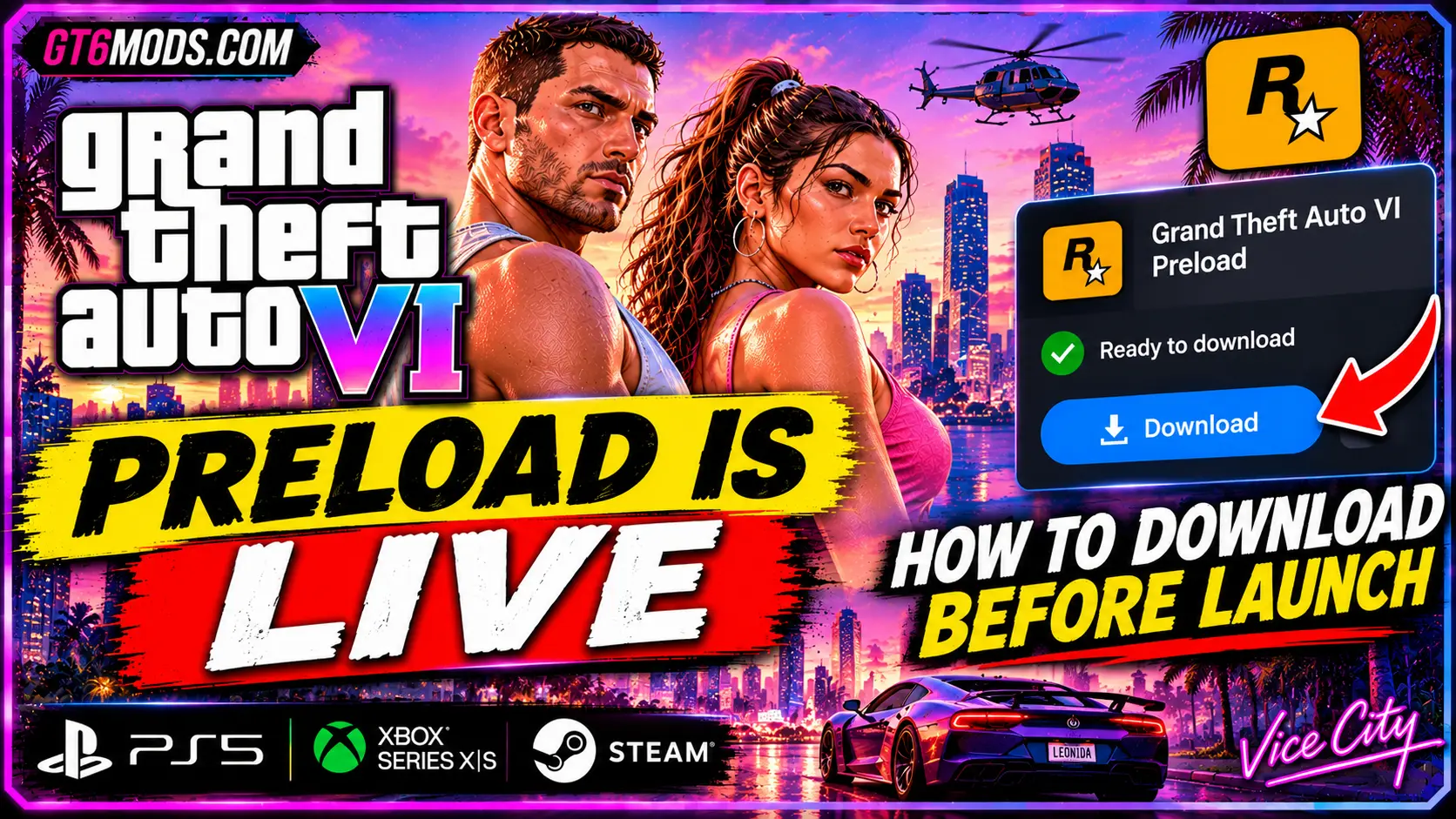
GTA 6 Preload Is Live: How to Download Before Launch
The GTA 6 preload has been live since November 10, 2026, and the game unlocks at midnight local time on November 19. To preload, buy the digital edition (or redeem your boxed code), update your console, free up around 240 GB, turn on automatic downloads and start the download from your store library. A day-one patch, version 1.002.000, is also reported at about 1 GB on PS5 and 2 GB on Xbox.
With five days left before launch, many players are asking how to preload GTA 6 and, more often, why their download looks so slow. This guide covers the setup for PS5 and Xbox Series X|S, the new patch, why speeds are poor right now, and what to do if your download will not finish in time.
We checked each detail against reporting available on November 14, 2026, and we update the page as things change.
Where the GTA 6 Preload Stands Today
- Preload opened: November 10, 2026 (PS5 at midnight local time, Xbox at 12 a.m. GMT).
- Size: Rockstar says up to 212 GB. The PS5 listing shows about 210 GB, and the Xbox listing has shown a larger figure of around 225 GB.
- Patch: A version 1.002.000 update has appeared on both consoles.
- Boxed copies: Retailers could ship and deliver from November 12. You can preload as soon as you redeem the code.
- Unlock: midnight local time on November 19, 2026.
For sizes and the original start times by region, see our article on the GTA 6 preload size and start times.
What You Need Before You Start
- A digital copy or a redeemed code. A pre-order in your library, or a boxed code redeemed on your console store.
- Enough free space. Aim for at least 240 GB on PS5 and a bit more on Xbox. That is our own advice, to leave headroom for unpacking and patches.
- Updated system software. One report says a PS5 system update is required for the preload, so install the latest one first.
- A stable connection. A cable usually beats Wi-Fi for a file this size.
- Automatic downloads turned on. In your console settings, allow downloads and updates to run on their own, and keep the console on or in sleep mode with the network connected.
If storage is the problem, delete or archive games you do not play. On PS5, games need to run from internal storage or a compatible M.2 expansion drive, so external USB drives will not help.
How to Preload GTA 6 on PS5
- Open the PlayStation Store and confirm GTA 6 is in your library.
- Make sure the console has the latest system update.
- Check that you have enough free space.
- Open the game page and select the download option, or check your downloads list if it has started on its own.
- Leave the console connected and in rest mode if you are not using it.
On PS5, a digital pre-order should begin downloading automatically once your preload time arrives. If it does not, start it manually from the game page.
How to Preload GTA 6 on Xbox Series X|S
- Open your library and confirm GTA 6 is listed.
- Check storage on the internal drive or a compatible expansion card.
- Allow automatic updates and keep the console on or in sleep mode.
- Start the install from the game page if it has not begun.
- Open the queue to check progress. Timesaver notes you can find the live speed under My games & apps, then Manage, then Queue.
The Xbox listing shows a larger size than PS5, so give yourself extra space.
If You Bought a Boxed Copy
Boxed GTA 6 contains a download code, not a disc. Redeem the code on the PlayStation Store or Microsoft Store, then start the same download as everyone else. You do not have to wait for launch day. Our guides on GTA 6 physical copies and why the boxed edition has no disc explain the details.
The New 1.002.000 Patch
Screen Rant reports that a version 1.002.000 update has appeared on both PS5 and Xbox Series X|S. It is about 1.07 GB on PS5 and 2.18 GB on Xbox, based on a report from the X account GTA 6 Countdown.
What we know and do not know:
- Known: It is small compared with the full download, which is over 200 GB.
- Likely: Screen Rant describes it as a day-one style patch, probably fixing issues in the preload build.
- Unknown: Rockstar has not explained what it changes, and more updates could follow.
Install it when it appears. If you have automatic updates turned on, it may download by itself.
Why GTA 6 Downloads Are Slow Right Now
Millions of people are downloading the same 210 GB file at once, so slow speeds are mostly congestion. In the UK, the provider YouFibre told customers about a network capacity issue it blamed on GTA 6 downloads. Forbes covered the story in its report on preloads slowing down the internet.
The same report says Xfinity is offering eligible customers a 15-day Wi-Fi speed boost of up to 2 Gbps for the preload and launch period. If you are with a large provider, check whether it has a similar offer.
One piece of advice that seems sound: if you already know you are buying the game, start the download as early as you can. Launch day is likely to be the most crowded.
How Long Will the Download Take?
These are our own estimates for a 210 GB download at a steady speed. Real speeds are usually lower during busy periods.
- 100 Mbps: about 4 hours 40 minutes
- 50 Mbps: about 9 hours 20 minutes
- 25 Mbps: about 18 hours 40 minutes
- 10 Mbps: about 1 day 23 hours
- 5 Mbps: about 3 days 21 hours
If your speed is around 5 Mbps or lower, start now and do not pause unnecessarily. You may not finish by midnight on November 19. In that case, you can keep downloading after launch and start playing once the files are ready.
Fixes for a Slow or Stuck Download
- Check your real speed. Use the queue or network test on your console to see what you are actually getting.
- Pause and resume. This can reconnect you to a faster server.
- Restart the console and router. It sounds basic, but it often clears a stalled connection.
- Switch to a cable. Wi-Fi can be unstable for a large download.
- Free up space. A download can stall if the console runs short.
- Avoid heavy use. Pause streaming and other downloads while the preload runs.
- Try off-peak hours. Late night or early morning may be faster.
If the download will not start at all, check that the purchase is digital, that your console is updated and that your preload time has arrived in your region.
Watch Your Data Cap
210 GB can use up a monthly limit in one go. Some players have reported provider notifications when the download was only partly done. Check your plan before you start, and ask your provider whether it offers unlimited data or a temporary boost.
What Happens at Launch
Preloading does not let you play early. The files stay locked until midnight local time on November 19, and New Zealand reaches that moment first.
Reviews are reportedly due on November 18, a day earlier. Our article on the GTA 6 review embargo has the reported times. Be careful with any site or message promising early access. Our guide to fake GTA 6 offers and download scams lists the warning signs.
There is no preload for PC, because Rockstar has not announced a PC version.
Other Names for Preloading
You will see this process called several things:
- Pre-load, pre-download, early download: downloading before the game unlocks.
- Install, queue, download progress: the console screens where you track it.
- Day-one patch, launch update: the smaller update that fixes issues in the release build.
- Unlock, decrypt, go live: what happens at midnight on November 19.
FAQ
How do I preload GTA 6? Buy the digital edition or redeem your boxed code, update your console, free up space and start the download from your library.
When does the preload end? It does not end. The files stay on your console until the game unlocks at midnight local time on November 19, and you can keep downloading after that.
How big is the download? Up to 212 GB according to Rockstar. Console listings show roughly 210 GB on PS5 and about 225 GB on Xbox.
Do I need to download the patch? Yes. A 1.002.000 update has been reported, and installing it before launch is sensible.
Can I play while it downloads? No. The game remains locked until launch.
Is there a PC preload? No. Rockstar has not announced a PC version.
The Bottom Line on How to Preload GTA 6
The steps are simple: own the game, update your console, clear space and start the download. The hard part is speed, because millions of players are doing the same thing. If you have not started, do it now, plug in a cable and be ready to install the small patch.
We will update this page if Rockstar releases more patches or changes anything before November 19.