GTA 6 Preload Is Live Today, November 10: Download Size and Start Times
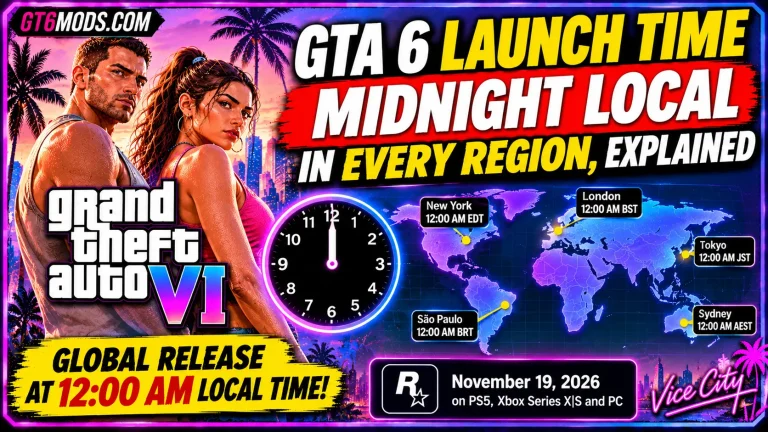
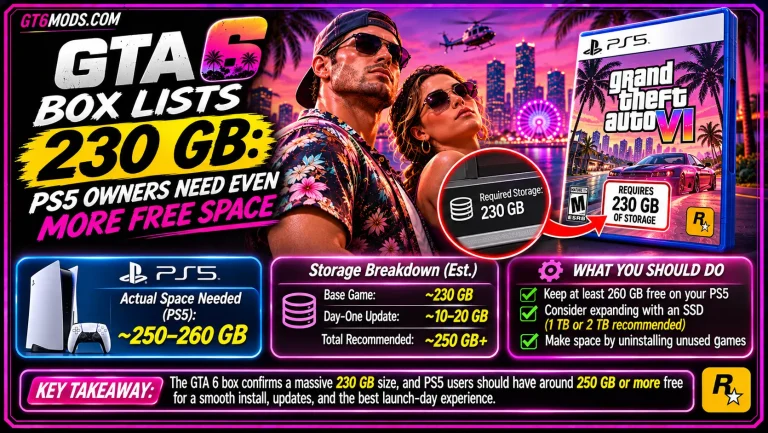
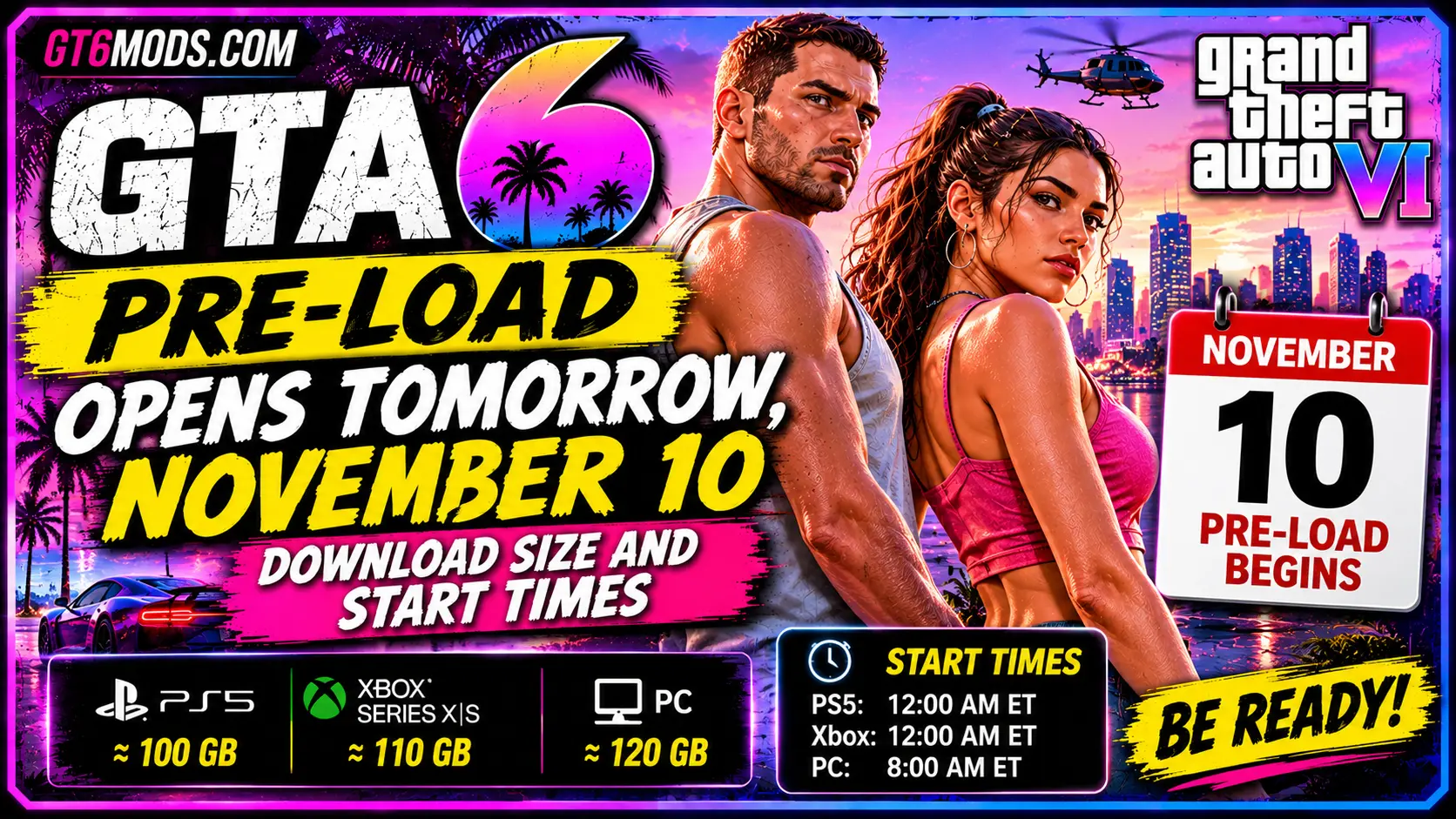
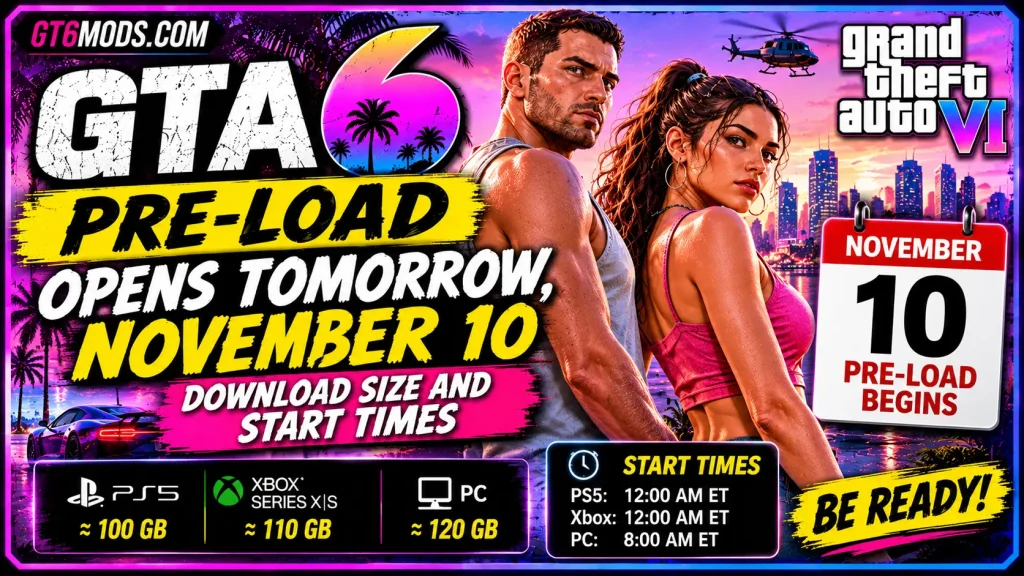
The GTA 6 preload is live today, November 10, 2026. On PS5 it opened at midnight local time, starting in New Zealand. On Xbox Series X|S it opened worldwide at 12 a.m. GMT. Rockstar says you need up to 212 GB of free space. The PS5 listing shows about 210 GB, and the Xbox listing has shown a larger figure of around 225 GB. The game itself stays locked until midnight local time on November 19.
The wait is over for digital pre-order holders. The GTA 6 preload opened this morning, nine days before launch, and the first players are already downloading. If you have not started yet, this guide explains the download size, who can preload when, and how to avoid the problems people are already running into.
We checked each figure below against Rockstar’s announcement and live reports on November 10, 2026. Sizes and times have changed more than once this week, so we will keep updating this page.
Where the GTA 6 Preload Stands Right Now
Here is the situation as of today:
- PS5: The download opens at midnight in each player’s own time zone. New Zealand went first, and other regions follow as November 10 arrives locally.
- Xbox Series X|S: The download opened once for the whole world at 12 a.m. GMT. That was Monday evening in the United States and early Tuesday morning in India.
- Boxed copies: Buyers can preload only after they receive the box and redeem the code.
- Launch: Unchanged. The game unlocks at midnight local time on November 19.
If you want the full list of times for each region, our article on the GTA 6 preload date has them.
GTA 6 Download Size: What the Numbers Say
The file size is the biggest question today, and the answer depends on which source you ask.
- Rockstar’s official figure: up to 212 GB, depending on your device.
- PS5: The PlayStation listing shows about 209.9 GB, so the official number looks accurate for PlayStation.
- Xbox: Early listings showed a maximum install size of around 225 GB. One live report from a German outlet saw a download of about 210 GB, so the figure may be changing.
- Datamined package: VideoCardz reports that dataminers found a 223 GB package split into 53 files in the PlayStation Network manifest, and that the game files are on Sony’s servers but remain encrypted. Their report on the PS5 preload package also says the manifest lists a larger application size that may not reflect the final install.
Why the gap? Rockstar has not explained it. Package sizes in store backends often include metadata and compression that do not match what your console finally shows. The sensible approach is to trust the number your own console displays when you start the download.
Two extra cautions:
- A day-one patch may add more. Rockstar has not said whether one is coming, so leave room.
- Free space needs headroom. As our own advice, aim for at least 240 GB free on PS5 and a bit more on Xbox. Space gets tight while the console unpacks the files.
GTA 6 Preload Start Times by Region
The short version of the schedule:
- PS5: midnight local time on November 10, wherever you live.
- Xbox: 12 a.m. GMT on November 10. That is 7 p.m. Eastern and 4 p.m. Pacific on Monday, November 9, and 5:30 a.m. in India, 9 a.m. in Japan and 11 a.m. in Sydney on Tuesday.
If your download has not appeared yet, check your own time zone before assuming something is wrong. PS5 players in the Americas, for example, reach midnight later than players in Asia or Europe.
How to Start the GTA 6 Preload
Follow these steps on either console.
- Confirm your pre-order. Open your store account and make sure GTA 6 is in your library as a digital purchase.
- Update the console. One report says a PS5 system update is required for the preload, so install the latest system software before you begin.
- Check storage. Make sure you have enough free space on the internal drive. PS5 games need to run from internal storage or a compatible M.2 expansion drive.
- Turn on automatic downloads. In Settings, enable automatic downloads and updates. On Xbox, allow automatic updates and keep the console powered on or in sleep mode with the network connected.
- Start or queue the download. The game should appear in your downloads. If it does not start by itself, open the game page and choose the preload option.
- Leave it running. Pause and resume if speeds drop, instead of cancelling and starting over.
A wired connection is usually more stable than Wi-Fi for a file this size. Expect busy servers during the first hours.
If the Download Does Not Start
The most common reasons are simple.
- It is not your preload time yet. Check the PS5 midnight rule or the Xbox GMT rule above.
- The console needs an update. Install pending system software, then restart.
- Not enough storage. The console may block the download until you clear space.
- A store listing delay. Restart the console, then check your downloads and library again.
- Your purchase is physical. Boxed copies do not preload until you redeem the code.
Changing your console’s date or clock will not unlock anything early. The files are encrypted until launch.
Boxed Copy Buyers: What You Need to Do
If you bought a boxed copy, you are still waiting on the delivery. Retailers can start shipping and pickup from November 12. The box contains a download code and not a disc, so you redeem the code on the PlayStation Store or Microsoft Store and then download the same 200 GB plus file as everyone else. See our guide to GTA 6 physical copies for delivery details, or read why the GTA 6 boxed edition has no disc.
What the Preload Does Not Do
It is worth repeating, because many players confuse the two.
- You cannot play yet. The game unlocks at midnight local time on November 19.
- It does not reward early players. Everyone gets the same game and the same Vintage Vice City Pack bonus if they bought before November 20.
- It does not apply to PC. Rockstar has not announced a PC version, so there is no PC preload.
Watch Out for Preload Scams
Major releases attract fake offers. Be careful with:
- websites that offer a “preload key” or an “unlock now” download
- links promising to bypass the download or skip the wait
- requests to share your login or pay for “early access”
The real preload only appears inside your console’s own store and library. Our guide to fake GTA 6 offers and download scams lists the warning signs.
Other Names for the Preload
You may see this feature described in several ways:
- Pre-load, pre-download, early download: all mean downloading before the game unlocks.
- Preload window: the nine days between November 10 and November 19.
- Install size, file size, download size: the amount of storage needed. These can differ slightly, because the download is compressed and the install is not.
- Unlock time: midnight local time on November 19.
Checklist Before You Press Download
- Pre-order is in your library, digital edition.
- Console is fully updated.
- At least 240 GB free for PS5, a little more for Xbox.
- Automatic downloads turned on.
- Console connected by cable if possible, and set to stay on or in sleep mode.
- No unofficial “preload” sites visited.
The Bottom Line on the GTA 6 Preload
The GTA 6 preload is live, the download is about 210 GB on PS5 and possibly larger on Xbox, and the game stays locked until midnight local time on November 19. Start now if you have the space and a stable connection, and do not worry if you cannot start today. Nine days is plenty of time.
We will update this page if Rockstar changes the size, adds a patch or the preload runs into problems.