GTA 6 30 FPS: Does It Feel Smooth in Practice? What We Know Before Reviews
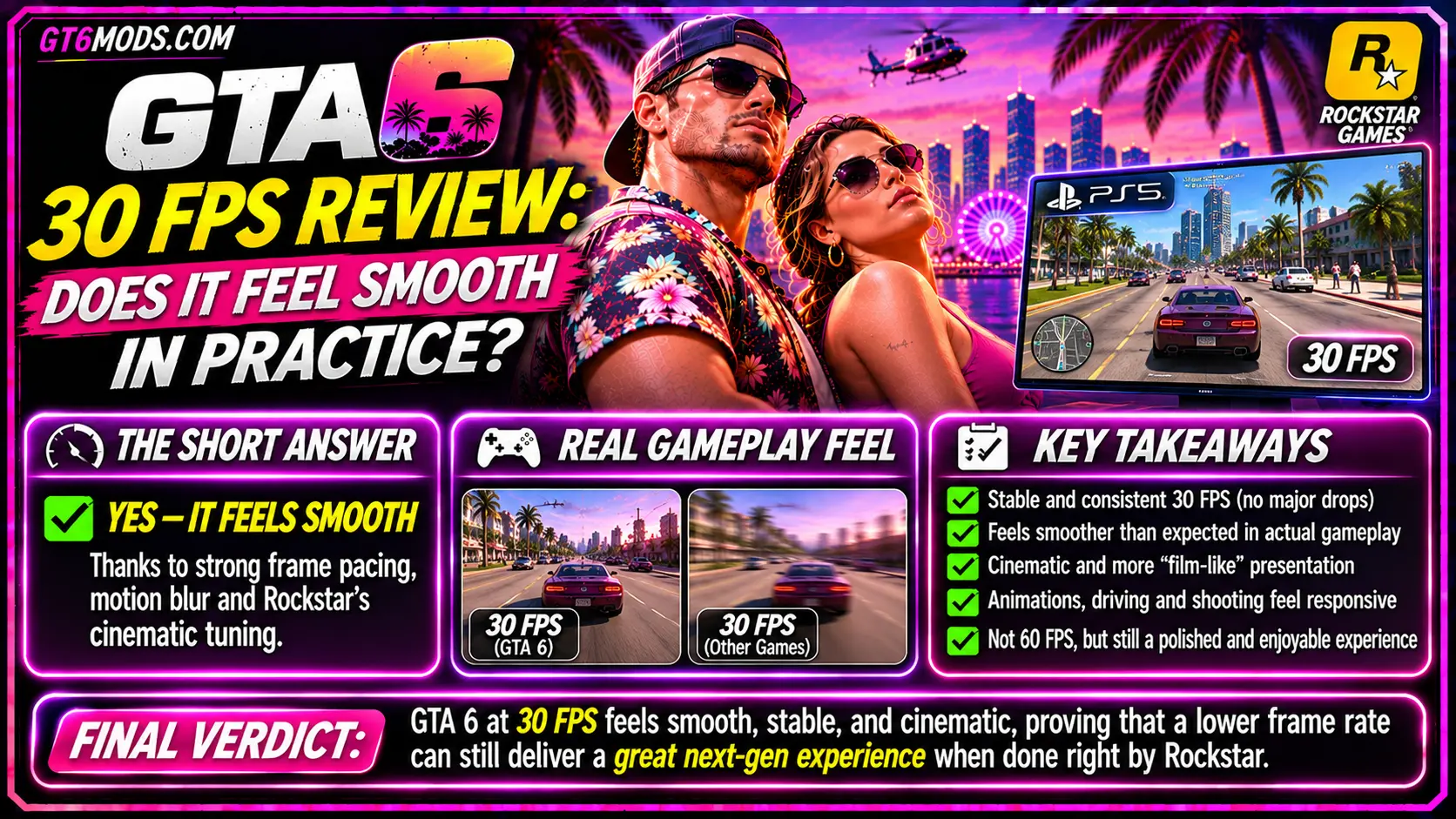
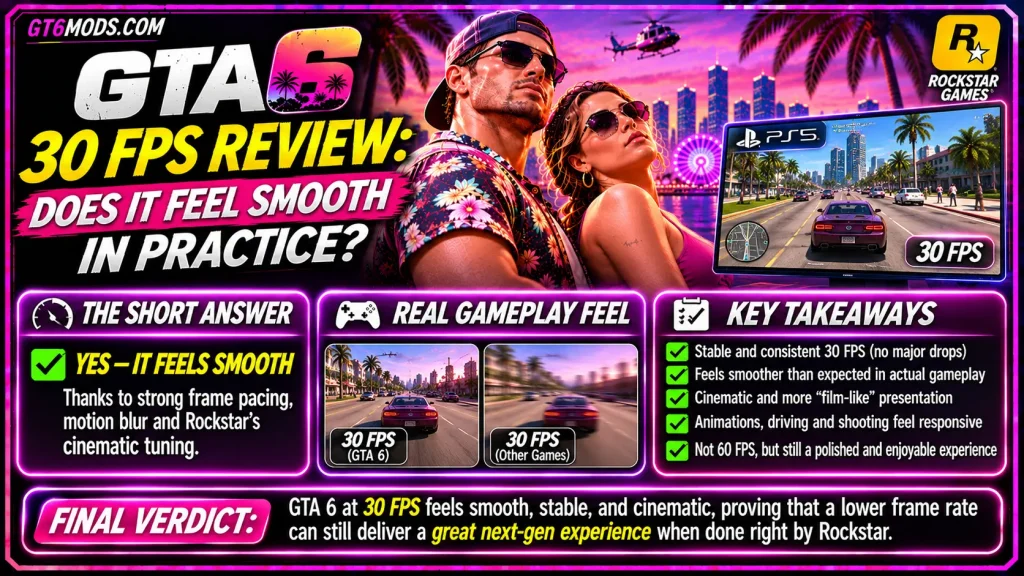
We cannot tell you yet how GTA 6 feels, because the game is not out and we have not played it. What is known: Rockstar targets 30 FPS on every console, and Digital Foundry’s analysis of Rockstar’s footage found a mostly stable 30 FPS with occasional dropped frames and a tighter lock than earlier Rockstar games. A steady 30 FPS can feel smooth, but camera movement and aiming feel less fluid than at 60 FPS.
The question behind the GTA 6 30 FPS debate is not the number itself. It is whether the game will feel smooth when you play it. That depends on how steady the frame rate is, how quickly the controls respond and what screen you play on.
We will be upfront. This is not a review, because no one outside Rockstar’s preview events has played the finished game. What we can do is explain what is known, what 30 FPS generally feels like, which factors matter most and what to look for in reviews. We checked everything against reporting available on November 14, 2026.
Why We Cannot Review It Yet
GTA 6 launches on November 19, 2026. Reviews are reportedly due on November 18, as covered in our article on the GTA 6 review embargo. Until then, anything described as hands-on feel from an ordinary player is speculation.
We plan to add real impressions after we have played it, clearly labeled with the console and screen we used. Until then, this page sticks to evidence.
What We Know About How It Runs
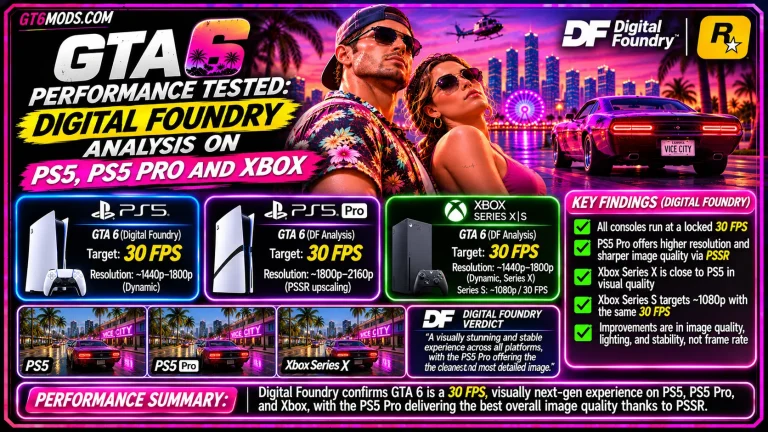
The best evidence so far comes from Digital Foundry’s analysis of Rockstar’s extended gameplay footage, which was recorded on a base PS5. As summarized by several outlets:
- Mostly stable 30 FPS, with occasional dropped frames.
- A tighter lock to 30 than in Rockstar’s previous games.
- Uneven moments. At times, camera movement and animation looked uneven even when the frame rate held.
- Around 1440p internal resolution, upscaled to 4K.
We cover the full analysis in our article on what Digital Foundry has found so far. Two limits matter here. Rockstar chose the footage, and a 30 FPS video can hide extra dropped frames. So this is an early signal, not proof.
Rockstar says it is “targeting” 30 FPS on PS5, PS5 Pro, Xbox Series X and Series S. A target is not a guarantee of a perfect lock in every scene.
What 30 FPS Generally Feels Like
At 30 FPS, the game updates the image about every 33 milliseconds. At 60 FPS, it is every 17 milliseconds. That difference shows up in a few ways.
- Camera movement. Quick turns look less fluid, because there are fewer images between each position.
- Fast driving. Speed and sharp turns can look choppier.
- Aiming and tracking. Controls can feel a little less immediate, especially if you are used to 60 FPS.
- Slow exploration. Walking around and taking in the scenery is usually easier to accept at 30 FPS.
Millions of people played earlier Rockstar games such as GTA V and Red Dead Redemption 2 at 30 FPS on console. Many still enjoyed them, but how much it bothers you depends on what else you play.
What Makes 30 FPS Feel Good or Bad
The number alone does not decide how it feels. These things matter at least as much.
Frame pacing. A steady 30 FPS, with frames arriving evenly, feels much better than a game that keeps shifting between frame rates. EZG makes the same point: consistency matters more than people expect.
Input response. How quickly your button press shows up on screen affects how responsive a game feels. This can depend on the game and on your TV.
Motion blur and animation. Well-tuned blur and animation can make 30 FPS look smoother. Poorly tuned ones can make it look worse.
Your display. Some screens, especially OLED TVs, can make low frame rates look more juddery because pixels change so quickly. Other TVs add smoothing that changes how motion looks. Both can change the experience.
Your habits. Players coming from 60 FPS or higher notice the drop more than those who play mostly 30 FPS games.
Who Will Notice It Most
This is our own analysis, not a measurement.
- Likely to notice: players who mostly play at 60 FPS, fast-paced shooter fans, and anyone sensitive to motion on large screens.
- Less likely to notice: players focused on story and exploration, and those used to 30 FPS open-world games.
It is worth being honest that a real difference exists. Pretending 30 FPS feels identical to 60 FPS would not help you. Our article on why players are upset about GTA 6 60 FPS covers the debate.
Settings That Can Help 30 FPS Feel Better
These are general tips for games that run at 30 FPS, not GTA 6 test results. We will test them after launch.
- Turn on your TV’s Game Mode. It usually lowers input lag.
- Turn off motion smoothing. Features that insert extra frames can add delay and odd visual effects.
- Check variable refresh rate. If your TV and console support it, it may help when the frame rate dips. Behavior varies by display, so test it.
- Adjust your seating distance. Sitting farther back can make judder less obvious on a big screen.
- Try the in-game settings. Look for options for camera, motion blur and controls once the game is out.
- Use a wired controller if you are sensitive to delay, though many players will not notice a difference.
What to Look For in Reviews and Performance Tests
When reviews and technical analysis arrive, these details will tell you more than a headline score.
- Frame time graphs, which show whether 30 FPS is even or uneven.
- Dips in busy scenes, such as dense traffic, crowds, rain and large explosions.
- Camera smoothness during fast turns and driving.
- Aiming feel, if reviewers describe controls as responsive or sluggish.
- Differences between consoles, including the PS5, PS5 Pro and Xbox. See our guide to GTA 6 PS5 Pro features for what the Pro adds.
- Patch notes, since an early update could change performance.
An AOL report on experts weighing in on GTA 6 on PS5 Pro quotes analysts expecting a 30 FPS game, which fits the evidence so far.
Should You Worry Before Launch?
Probably not too much, and certainly not enough to cancel on this alone. Here is a calm way to think about it.
- If you mostly play story-driven open-world games, 30 FPS is likely to be fine.
- If you are very sensitive to frame rate, wait for reviews and frame time data before you decide.
- If you only want 60 FPS, nothing announced offers it on consoles. A PC version is unconfirmed.
Whatever you decide, check your store’s refund and cancellation rules before you rely on them.
Other Terms You Will See
- Frame pacing, frame time: how evenly frames arrive.
- Judder, stutter: uneven motion that can appear at low frame rates.
- Input lag, latency: the delay between pressing a button and seeing the result.
- VRR (variable refresh rate): a display feature that matches the screen to the game’s frame rate.
- Motion smoothing, interpolation: a TV feature that adds extra frames and is usually best turned off for games.
Key Takeaways
- We have not played GTA 6, and this is not a review.
- Digital Foundry found a mostly stable 30 FPS with occasional drops in Rockstar’s footage, with a tighter lock than earlier games.
- 30 FPS can feel smooth if the frame pacing is steady, but camera and aiming feel less fluid than at 60 FPS.
- Your TV settings can change how it feels.
- Wait for frame time data and reviews on or after November 18.
The Bottom Line on GTA 6 30 FPS
Whether GTA 6 30 FPS feels smooth in practice depends on how steady it is and on your own setup. The early evidence is encouraging, but it comes from footage Rockstar chose, so it is not the same as playing the retail game.
We will update this page with first-hand impressions after launch, clearly labeled with what we played on. Until then, treat it as a guide to what to expect, not a verdict.