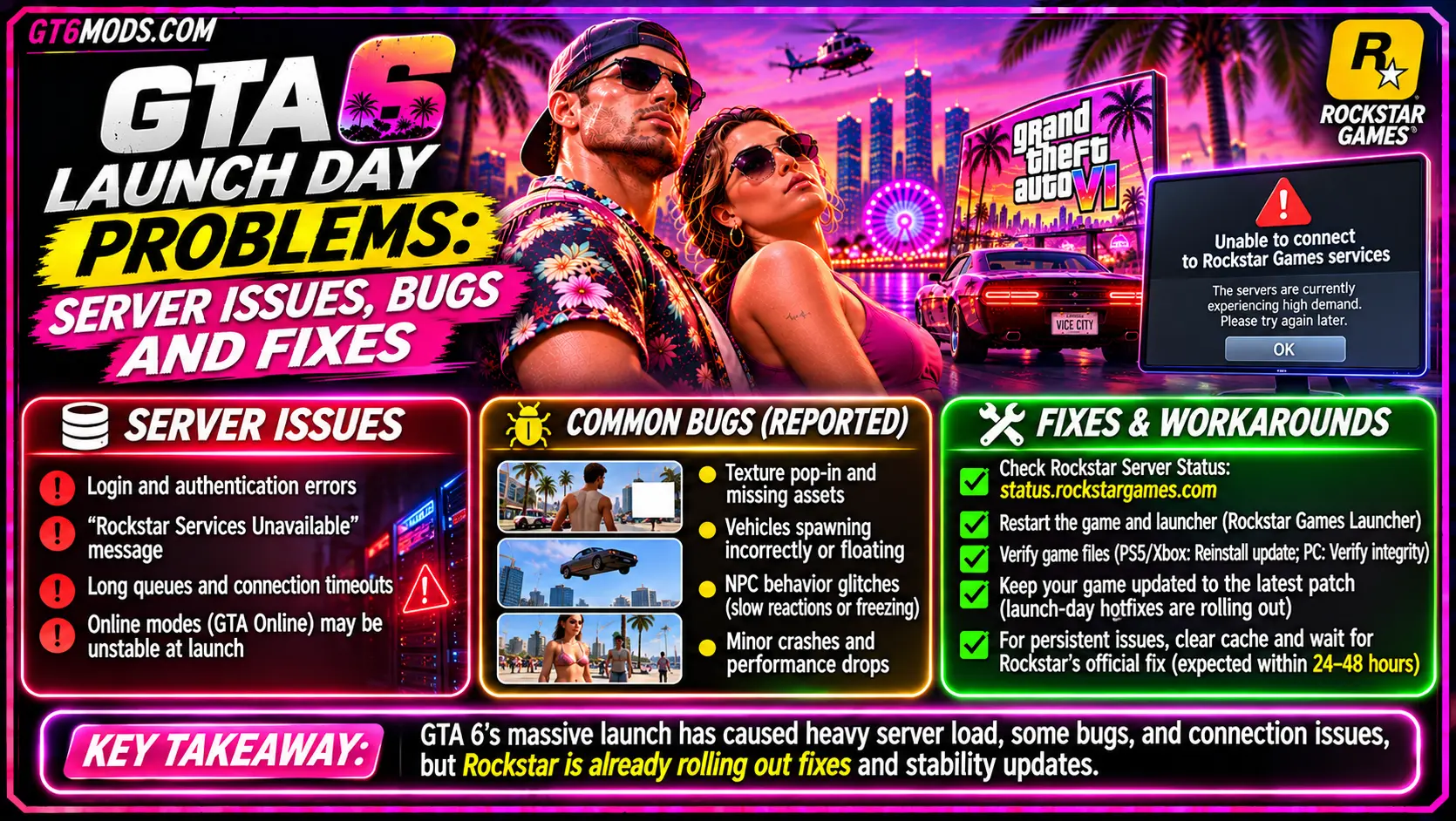
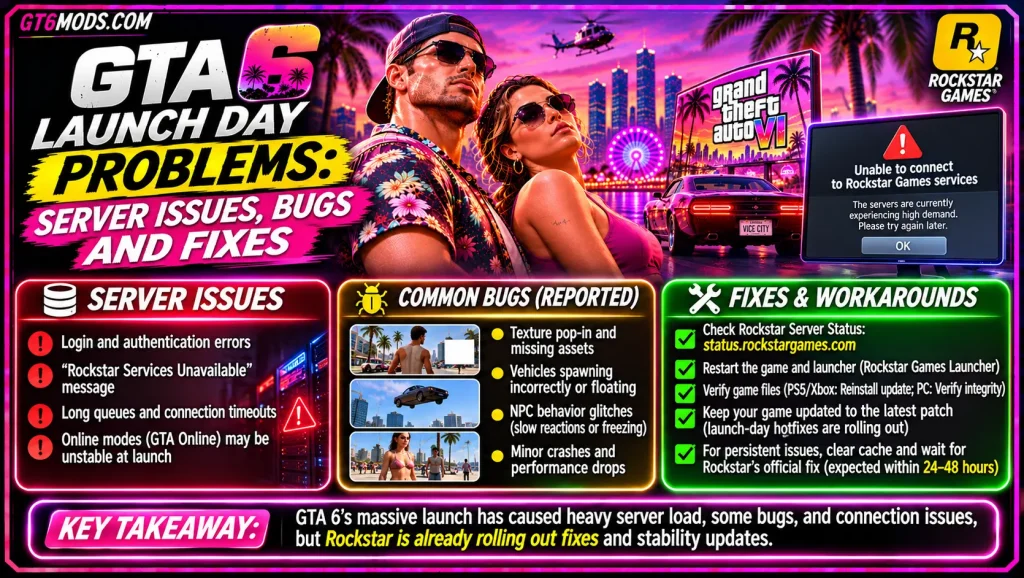
GTA 6 Launch Day Problems: What to Expect From Servers, Bugs and Fixes
As of November 14, there are no confirmed GTA 6 bugs or error codes, because the game has not launched. The realistic launch day risks are slow downloads, busy console stores, unlock timing confusion, storage shortfalls and code redemption mistakes. GTA 6 is a single-player experience at launch, so a GTA Online style server crash is unlikely. Rockstar has not said whether the game needs an internet check after install.
Big launches often bring problems, and many players are already asking about GTA 6 launch day problems. The honest answer five days before release is that nobody knows exactly what will break, but we know where trouble usually appears and what has already gone wrong during preload.
This guide separates what is confirmed from what is guesswork, lists the likeliest issues, and explains how to prepare and what to try if something fails. We checked it against reporting available on November 14, 2026, and we will add verified issues after launch.
What Is Confirmed Right Now
- No known errors. The game is not out, so there are no confirmed GTA 6 error codes, crashes or bugs. Any “fix” list published today is invented, or worse, a scam.
- Single-player at launch. Rockstar has described GTA 6 as a single-player experience. Rockstar has not announced an online mode, and reports expect one to come later.
- Preload congestion is real. UK provider YouFibre told customers it had a network capacity issue caused by the high demand for GTA 6 downloads. That is a preload problem, not a game problem, but it shows how much strain is on networks.
- A small update is reported. A version 1.002.000 patch has appeared at about 1 GB on PS5 and 2 GB on Xbox, according to Screen Rant.
What Rockstar has not said is whether the game requires an online connection after installation, or whether any maintenance window is planned around launch.
Will GTA 6 Servers Crash on Launch Day?
A GTA Online style crash is unlikely, but other kinds of slowdowns are possible.
The famous server problems of past Rockstar launches came from online modes. GTA Online had severe technical problems for roughly its first two weeks in 2013, and Rockstar later gave players in-game currency as compensation. Because GTA 6 is a single-player release, there is no multiplayer mode to overload on November 19.
What could still strain are the services around the game:
- the PlayStation Store and Xbox store, if millions try to download or unlock at once
- account sign-in and license checks
- your own internet provider, as the preload has already shown
PC Gamer’s piece on GTA 6 being a single-player experience explains why the online question remains open. When an online mode does arrive, expect the usual rocky first days.
The Likeliest GTA 6 Launch Day Problems
Based on how big releases usually go, and on what has already happened during preload, these are the most probable trouble spots.
1. Slow or stuck downloads. Preloading has already slowed some home networks. If you have not finished, speeds may be worst around midnight. Our guide on how to preload GTA 6 covers fixes.
2. Not enough storage. The PS5 box lists 230 GB minimum, and a player reported an installed size of 223.2 GB. If space is tight, the install or the patch may fail. See our article on GTA 6 storage requirements.
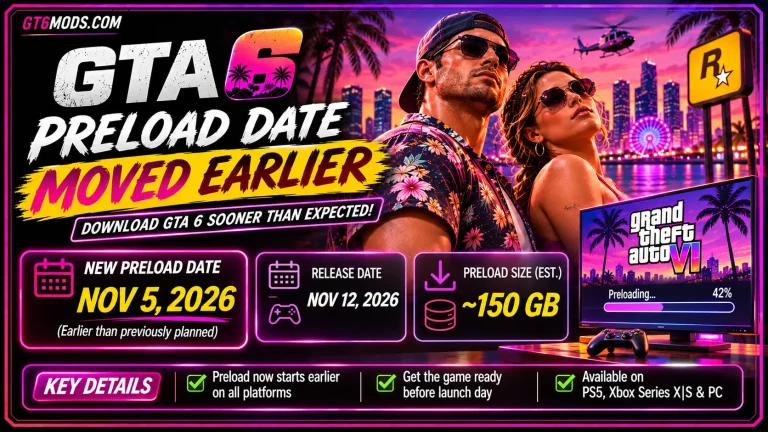
3. Unlock timing confusion. Rockstar says the game unlocks at midnight local time on November 19. Vice reports that some PlayStation Store listings show different times, such as 9:00 p.m. Pacific on November 18 for US players on that region’s schedule. Check the time on your own store page and do not rely on a generic chart.
3. Store or sign-in congestion. If the store or sign-in service is busy, the game may show a delay or a failed license check. This is usually temporary.
4. Code redemption mistakes. Boxed copies hold a code, not a disc. Mistakes include entering the wrong card, using a code from the wrong region or running out of time on a regional expiry. Read our article on GTA 6 boxed copies reaching stores.
5. A day-one patch. An update may be required before play. If it is large or the store is busy, it can take longer than expected.
6. Bugs and crashes. Large open-world games often ship with some bugs. Rockstar has not said what to expect, and we will not guess at specifics.
What to Do Before November 19
Most problems can be reduced with a little preparation.
- Finish the preload. Start now if you have not, and use a cable if you can.
- Free up extra storage. Aim for 250 GB if possible, so patches fit.
- Install the update when it appears, and update your console’s system software.
- Turn on automatic downloads and keep the console on or in rest mode.
- Check your purchase. Make sure the digital game is in your library, or that your boxed code is redeemed.
- Know your unlock time from your own store page.
- Bookmark official status pages for PlayStation Network, Xbox network and Rockstar Support.
- Charge controllers and clear your evening. It sounds basic, but it helps.
What to Try if Something Goes Wrong
These general steps apply to most console game problems. They are not GTA 6 specific fixes, because none exist yet.
- Check the official status pages first. If the problem is a service outage, nothing on your side will fix it.
- Restart the console fully. Shut it down, do not just use rest mode, and wait a minute before turning it back on.
- Restart your router, and test with a cable if you are on Wi-Fi.
- Check your date and time settings. Keep them on automatic. Changing the clock will not unlock the game early, and can cause license errors.
- Make sure you have enough free space.
- Install any pending updates for the game and for the console.
- Sign out and back in to your account.
- Retry later. If many players are connecting at once, repeated attempts can make queues worse. Wait a few minutes.
If you see an error code, look it up on the official PlayStation or Xbox support site, not on a random page.
Where to Get Real Help
- Store, purchase or license problems: PlayStation or Xbox support.
- Game problems: Rockstar Support, which lives at support.rockstargames.com.
- Network status: the official PlayStation, Xbox and Rockstar status pages.
Be careful with search results. Fake support pages and “fix” downloads appear whenever a big game launches. Our guide to fake GTA 6 offers and download scams explains the warning signs. Never download a “GTA 6 fixer,” never share your login and never pay for “early access.”
What About PC?
There is no PC version, so none of this applies to PC. Rockstar has not announced one.
Other Terms for the Same Issues
People search for launch problems in many ways:
- Server issues, server down, servers not working: problems with the services around the game.
- Launch day bugs, glitches, crashes: problems inside the game.
- Not launching, stuck on loading, won’t start: the game fails to open.
- Download stuck, slow download, install failed: problems getting the files.
What We Still Do Not Know
- Whether the game needs an internet check after install.
- Whether there will be a maintenance window around launch.
- How the stores will handle the load at the unlock moment.
- What bugs, if any, the retail build will have.
- When an online mode will arrive, if at all.
The Bottom Line on GTA 6 Launch Day Problems
No one can list real GTA 6 launch day problems yet, because the game is not out. The most likely trouble is around downloads, storage, store traffic and unlock timing, not a crash of Rockstar’s servers. Preparing now will save most players the biggest headaches.
We will update this page after launch with verified issues, official responses and fixes. If a problem has not been confirmed by Rockstar, Sony, Microsoft or a reliable outlet, we will not list it.